The Complete Guide to Setting Up IPTV: Everything You Need to Know
Introduction
Are you tired of expensive cable bills and limited channel options? Internet Protocol Television (IPTV) services have revolutionized how we consume media, offering unprecedented access to global content at affordable prices. For residents in Canada’s most populous province, ip tv ontario options have expanded dramatically in recent years, providing an attractive alternative to traditional cable services. Many consumers are switching to streaming solutions due to their flexibility, extensive channel lineups, and cost-effectiveness. With numerous iptv providers ontario entering the market, understanding how to properly set up and optimize your streaming experience has never been more important.
What You Need to Get Started
Before diving into the setup process, ensure you have these essential components:
1. Compatible Device: Smart TV, Amazon Firestick, Android box, Roku, Apple TV, or even a computer or smartphone
2. IPTV Application: A dedicated app like IPTV Smarters Pro, TiviMate, Perfect Player, or GSE Smart IPTV
3. Stable Internet Connection: Minimum 10 Mbps for SD content, 25+ Mbps for HD/4K streaming
4. IPTV Subscription: A valid subscription from a reliable service provider
5. Optional VPN: For enhanced privacy and access to geo-restricted content
Most modern streaming devices support IPTV applications, so you likely already own compatible hardware. The specific apps available will depend on your device’s operating system and app store.
Setup Time & Requirements
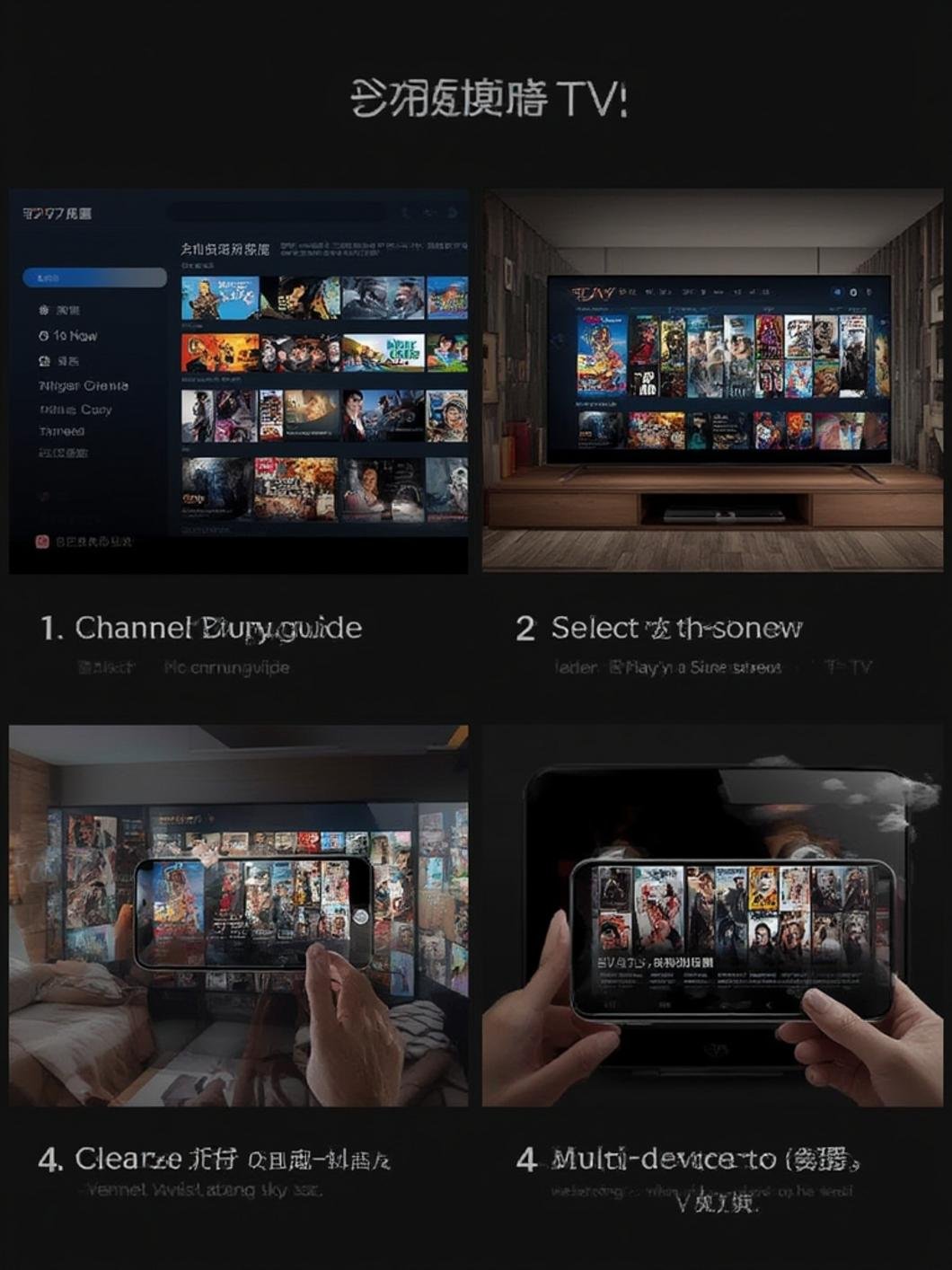
Setting up an IPTV service typically takes 15-30 minutes for beginners and even less time for those familiar with streaming technologies. The process involves installing an app, entering credentials, and possibly configuring a few settings.
Internet speed requirements vary based on your desired streaming quality:
– Standard definition (SD): 5-10 Mbps
– High definition (HD): 10-25 Mbps
– 4K Ultra HD: 25+ Mbps
Before starting, ensure your device is fully updated, you have access to your device’s app store, and you have your subscription details (URL, username, password) readily available. Many Ontario streaming enthusiasts recommend performing a speed test before setup to ensure optimal performance.
Step-by-Step IPTV Setup Guide

For Amazon Firestick (Most Popular Method):
1. Enable Apps from Unknown Sources:
– Go to Settings > Device > Developer Options
– Turn on “Apps from Unknown Sources”
2. Install Downloader App:
– Search for “Downloader” in the Amazon App Store
– Download and install the application
3. Download IPTV App:
– Open Downloader and enter the URL for your preferred app (e.g., IPTV Smarters Pro)
– Follow the prompts to download and install
4. Configure Your Service:
– Open the installed IPTV app
– Select “Add Playlist” or “Login” (varies by app)
– Enter the URL/M3U link or credentials provided by your ip tv ontario subscription
Many users across the province find that dedicated IPTV boxes offer the most streamlined experience, though virtually all iptv providers ontario support multiple device types. If you encounter loading issues, try restarting your device or checking your internet connection.
For Smart TVs:
1. Access your TV’s app store (Samsung Store, LG Content Store, etc.)
2. Search for and download a compatible IPTV app
3. Open the app and enter your subscription details
4. Organize channels and customize settings as desired
Key Benefits of IPTV
IPTV streaming offers numerous advantages over traditional television services:
1. Extensive Channel Selection: Access to thousands of local and international channels
2. On-Demand Content: Movies, TV shows, and sports events available when you want them
3. Cost Savings: Significantly lower than cable or satellite subscriptions
4. Multi-Device Access: Watch on TVs, computers, tablets, and smartphones
5. HD and 4K Quality: High-definition content without compression issues typical of cable
6. No Long-Term Contracts: Most services offer monthly payment options
Pro Tips & Alternative Methods
Enhance your streaming experience with these expert recommendations:
– Use Ethernet Instead of Wi-Fi: Wired connections provide more stability
– Invest in a Quality VPN: Protects your privacy and may reduce throttling
– Consider External Storage: Some apps allow recording, which requires additional storage
– Try Multiple Apps: Different applications offer varying interfaces and features
– Update Regularly: Keep your apps and devices updated for optimal performance
– Clear Cache Periodically: Prevents buildup of temporary files that slow performance
Common IPTV Mistakes to Avoid

1. Choosing Based on Price Alone: The cheapest option isn’t always reliable
2. Ignoring Buffer Size Settings: Properly configured buffer settings reduce freezing
3. Using Outdated Hardware: Older devices may struggle with HD streams
4. Neglecting VPN Protection: Some ISPs throttle streaming traffic
5. Overloading Your Network: Too many simultaneous streams can degrade quality
Maintenance & Optimization Tips
Keep your IPTV service running smoothly with these maintenance practices:
1. Regular App Updates: Ensure you’re running the latest version of your IPTV app
2. Clear Cache Monthly: Remove temporary files that accumulate over time
3. Restart Devices Weekly: A simple reboot resolves many common issues
4. Monitor Internet Speed: Run occasional speed tests to verify performance
5. Check for EPG Updates: Electronic Program Guide data needs refreshing periodically
Conclusion
Setting up an IPTV service is straightforward with the right guidance and tools. The flexibility, extensive content library, and cost savings make it an attractive option for entertainment enthusiasts throughout Ontario. Whether you’re tech-savvy or a beginner, modern ip tv ontario solutions offer user-friendly interfaces and reliable performance. By following this guide and implementing the recommended best practices, you’ll be able to enjoy seamless streaming from various iptv providers ontario without technical headaches. Take control of your entertainment experience today and discover why thousands of viewers are making the switch to IPTV streaming.
FAQs
Is IPTV legal in Ontario?
IPTV technology itself is legal. However, the legality depends on the content being streamed. Services that offer unauthorized access to copyrighted content may violate copyright laws.
Why does my IPTV buffer frequently?
Buffering usually results from insufficient internet speed, network congestion, server issues, or device limitations. Try using a wired connection, closing other applications, or adjusting buffer settings.
Do I need a VPN for IPTV streaming?
A VPN isn’t required but is recommended for privacy protection and to prevent potential throttling by your internet service provider.
Can I record shows from my IPTV service?
Many IPTV applications support recording functionality, but you’ll need sufficient storage space on your device or an external storage solution.
How many devices can I use with one IPTV subscription?
This varies by provider. Most services allow 1-4 simultaneous connections, though some premium packages offer more concurrent streams.
Leave a Reply